Pre-log
I built a great product in my mind that everyone should immediately recognize as great and use constantly! But the world doesn’t work like that. Thankfully so, reality hits and force to iterate and improve.
It’s not an original builder story: I bought a shiny new gadget (iPad mini) which I call “MiniMe”, to replace my old-school physical input capture devices that already worked perfectly fine (good old pen and paper). After unboxing MiniMe and downloading the latest version of the GoodNotes app, I started to scratch an itch. I needed custom templates to use in GoodNotes. Otherwise, how could MiniMe ever reach its full potential?
So, the exploration journey began. First by Googling, then by chatting with humans and bots about “GoodNotes templates” and “digital and printable template generators.” While most GoodNotes templates were GOOD, the template generators were unusable (sorry). Right then, my ADHD brain smelled the blood of a new adventure. How hard could it be to build a Digital and Printable Templates Generator that is useable? Especially in our current age of AI bots joining the workforce.
It took several months of on-and-off work, adding and deleting features, refining the geometry engine, testing, and occasionally daydreaming about other side-project spin-offs. At the end PaperPDF was created, as an initial POC with various basic dot/line/graph presets in a variety page and screen sizes ready for export and use on digital and e-ink devices, or printed.
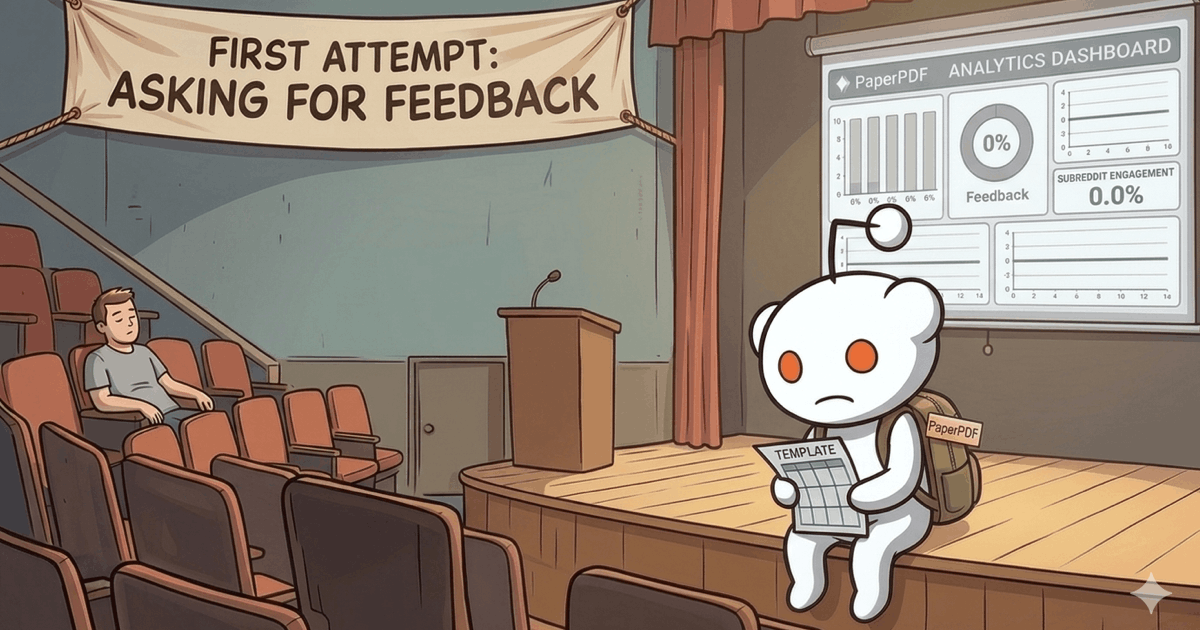
Asking for Feedback
To save you the drama and skip straight to the facts: I posted across the r/saasbuild, r/SideProject, r/sideprojects, and r/Supernote subreddits.
And it flat-lined.
1 Upvote, 1 PNG Export, 0 Feedback (no comments nor forms).
The pitch went like this:
TITLE:
I built a no-login free grid generator for note-taking devices and printables, with PDF/PNG exports — looking for feedbackBODY:
Hey, how are you doing today? 👋
I’m here to ask for honest feedback on a tool that generates grid/dot/lined paper templates and exports them as PDF/PNG files, sized for various note-taking devices and for print.
The reason it exists is the cliché story of a developer with a new iPad Mini searching for customized grid templates to use in the GoodNotes app… You guessed it — couldn’t find one that suited me, so I decided to build one. How hard can it be, right? Well, simple it is not: lots of nuances, tweaks, and geometric math.
A few things that differentiate PaperPDF from the other tools:
- Ease of use: open it (no login) > customize > export or share the template.
- Shareable URLs: every setting is a URL param, so once you have customized a template you can share it by just copying the link.
- Responsive design & PWA: works on desktop, mobile, or a tablet, and you can “Add to Home Screen” to use it like a native app.
- Live preview: an infinite SVG canvas is my favorite geeky differentiator.
I got plenty of ideas for what to build next in PaperPDF for my own use (drag-n-drop components!), but I want genuine feedback from others to see whether this helps anyone besides me.
Please tell me:
- Is it obvious what to do, or do you bounce to the next Side Project?
- Does the PDF/PNG export actually look right when you load it onto your device or print it?
- Does the share option is useful for you?
- What grid preset or page size did you expect and not find?
Live link: paper.blah.ink
Brutal is fine, just no yo-mama jokes. I forgot how to behave in kindergarten.
Thanks 🙏
What Happened?
Well, my naive assumption that I could just “post it and they will come” ran straight into a wall of reality. More surgically, these things happened:
- Copy-pasting content: I posted the exact same text four times without adjusting it for the specific audience of each subreddit.
- The link filter trap: I linked my cool, but untrusted, custom TLD (
.ink) inside the post body. This triggered the spam/auto-block filters on two subreddits. Messaging the mods didn’t help. - Bad timing: I just posted whenever I felt like it, without checking the peak traffic hours of those specific communities for maximum exposure.
- Missing the core target audience: I focused too heavily on general product/SaaS subreddits rather than targeting hyper-specific niche communities of users who actually use e-ink/digital planners daily.
What’s Next?
Building is easy for me; making people show up is the hard part. So, I’m shifting gears to research marketing and will dive back into posting next week with a new strategy:
- Targeted outreach: Identify 5 subreddits full with people who actually care about digital, e-ink, and printable templates.
- Optimize timing: Analyze and validate the rush-hours for these specific subreddits.
- Tailored content: Rewrite the posting content in context for each community.
- Visual-first approach: Ensure every single post includes a compelling photo or GIF of the product in action.
- The “First Comment” rule: To avoid auto-mod filters, I will leave the link out of the main post body and drop it in the first comment instead.
Until next time, thanks for reading!