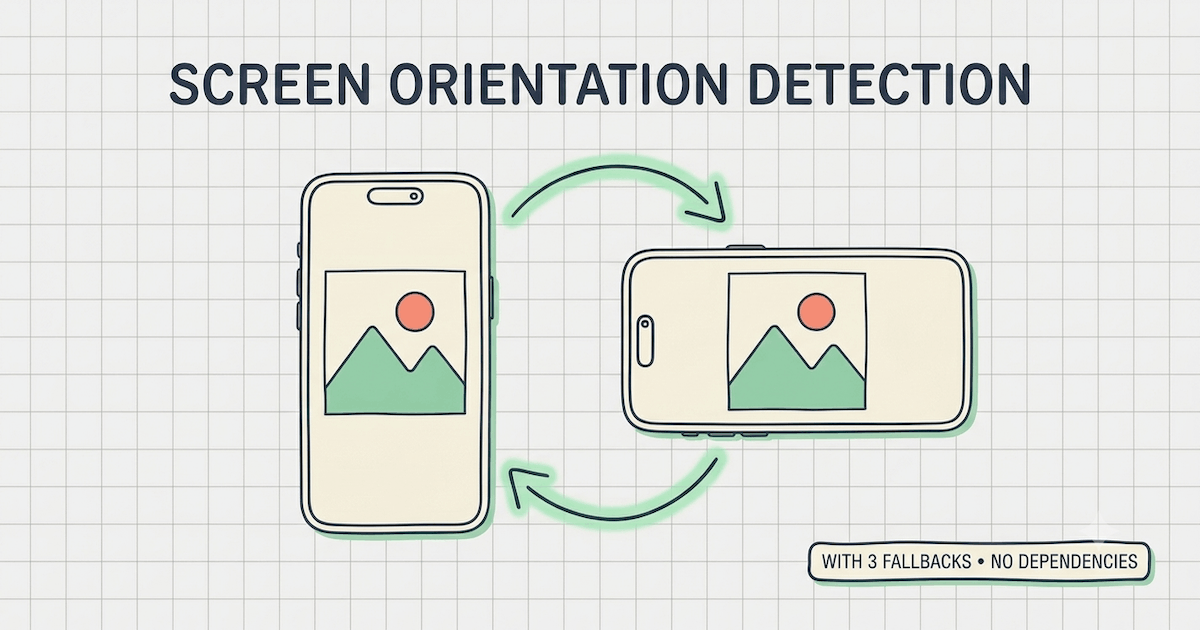
Reading the orientation
/**
 * Get current screen orientation, most-reliable API first.
 * screen.orientation ?? matchMedia ?? (screen.height >= screen.width)
 * @returns {'portrait' | 'landscape'}
 */
function getOrientation() {
  const isPortrait =
    window.screen.orientation?.type?.startsWith("portrait") ??
    window.matchMedia?.("(orientation: portrait)")?.matches ??
    window.screen.height >= window.screen.width;

  return isPortrait ? "portrait" : "landscape";
}
- Screen Orientation API
screen.orientation.type returns string values like portrait-primary, portrait-secondary, landscape-primary, landscape-secondary. - Media Query
matchMedia("(orientation: portrait)") returns a boolean. - Dimensions
window.screen.[height|width] returns a number, and falls back to taller-than-wide wins.
Reacting to changes
/**
 * Subscribe to orientation changes.
 * Returns a cleanup function.
 * @param {(orientation: 'portrait' | 'landscape') => void} callback
 * @returns {() => void}
 */
function onOrientationChange(callback) {
  const handler = () => callback(getOrientation());

  const [target, event] = window.screen.orientation
    ? [window.screen.orientation, "change"]
    : window.matchMedia
      ? [window.matchMedia("(orientation: portrait)"), "change"]
      : [window, "resize"];

  target.addEventListener(event, handler);
  return () => target.removeEventListener(event, handler);
}
- Screen Orientation
fires change only on real rotations. - Media Query
fires change when the query flips. - Window Resize
fires resize on every window resize.
Wiring it up
// straightforward get function.
getOrientation(); // "portrait" | "landscape"

// subscribe and remove handler when done.
const stopOrientationChange = onOrientationChange((orientation) => {
  console.log(`now ${orientation}`);
});

stopOrientationChange();
Browser Support
| API | Support |
|---|
| Screen Orientation | Chrome 38+, Firefox 43+, Safari 16.4+ |
| matchMedia | All modern browsers |
| Dimensions | Everywhere |